Instructions on granting a Suomi.fi mandate (e-Authorisation)

OP Light Entrepreneur (with Business ID) service needs a mandate to handle taxes. Grant the mandate with these instructions.
The Suomi.fi Web Service enables entrepreneurs to authorise other companies to act on their behalf in the MyTax service. The OP Light Entrepreneur service uses MyTax to manage tax matters on behalf of private traders. That’s why we need a Suomi.fi mandate from our service users.
If you stop using the OP Light Entrepreneur service, you can also terminate the mandate.
Instructions briefly
-
Authenticate at Suomi.fi/e-authorizations page.
You can use any bank for the identification. -
Select Company’s mandates and select your Business ID. Go to the Grant a mandate page. -
Select Mandate for transactions as e-Authorization type and add OP Kevytyrittäjä (OP Palvelut Oy) as the company to mandate. -
Search for and select Managing of tax affairs as the mandate theme. -
Set the validity period and confirm the mandate.
We recommend setting the validity period to ten years. You can always revoke the mandate if you stop using our service. -
We will send you a confirmation email when we have received the mandate.
Authorization step by step
-
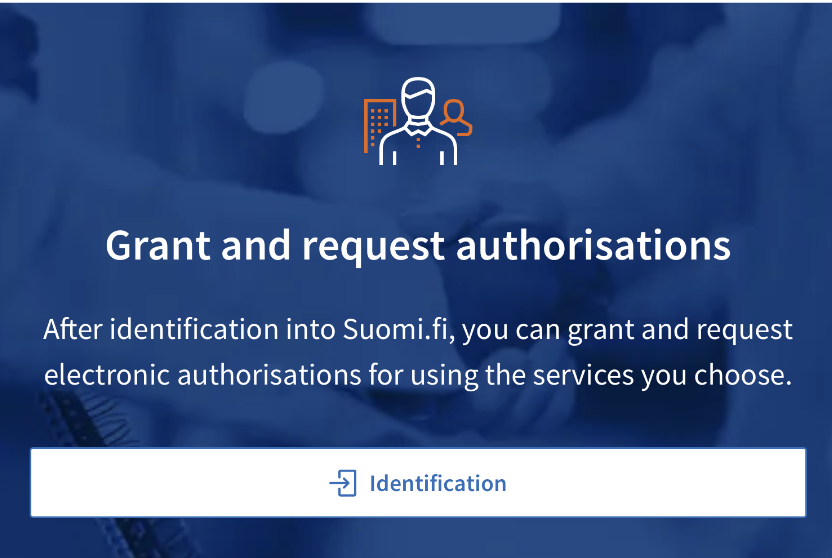
Go to Suomi.fi/e-authorizations and identify yourself.
-
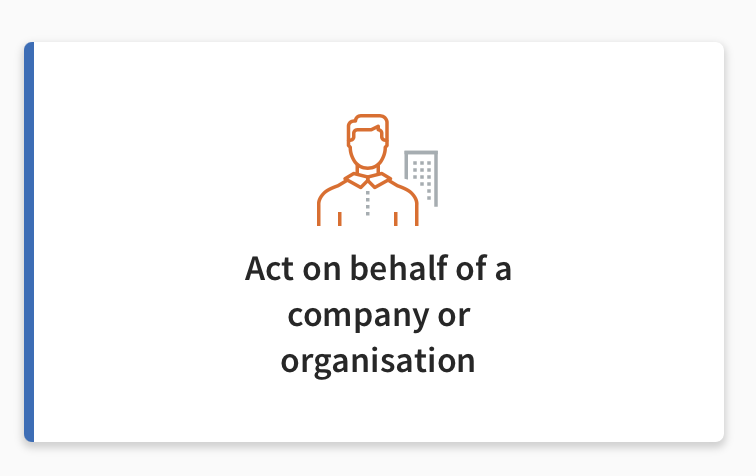
Select Act on behalf of a company.
-
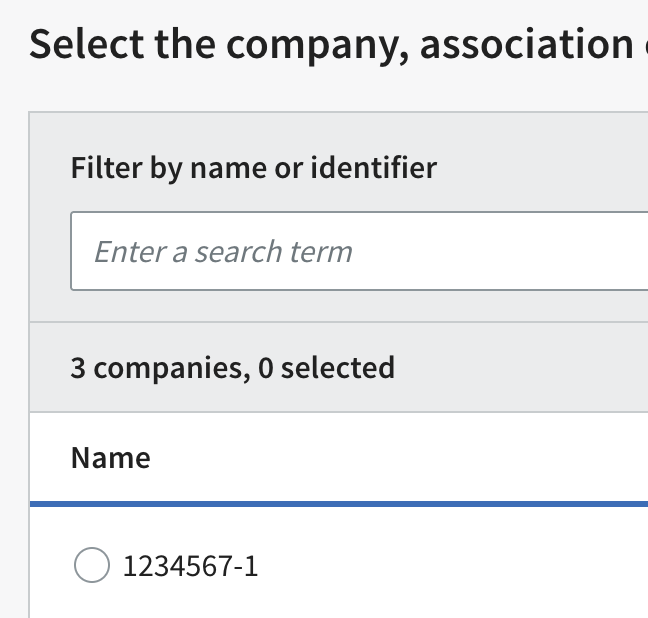
Select your company’s Business ID and continue. If your business ID was just created, this may not show your name.
-
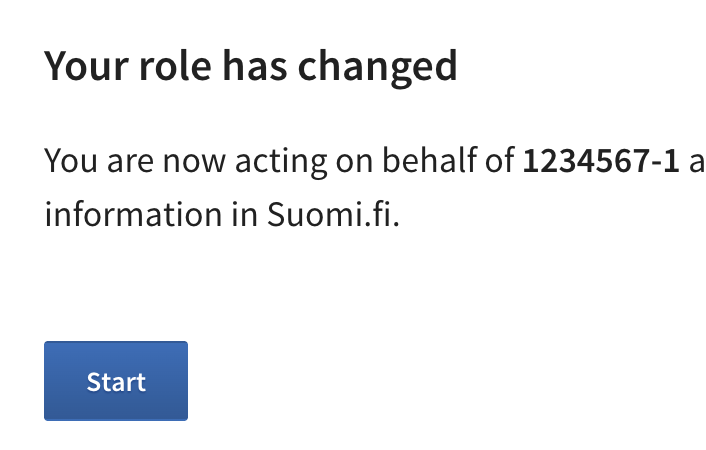
Your are now acting on behalf of your company.
-
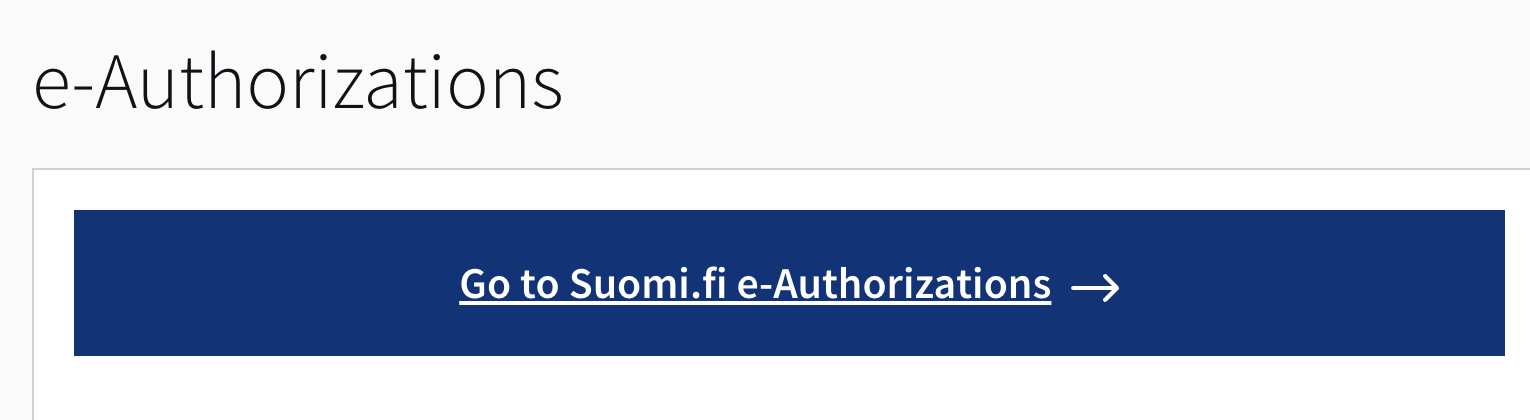
Go to Suomi.fi e-Authorizations.
-
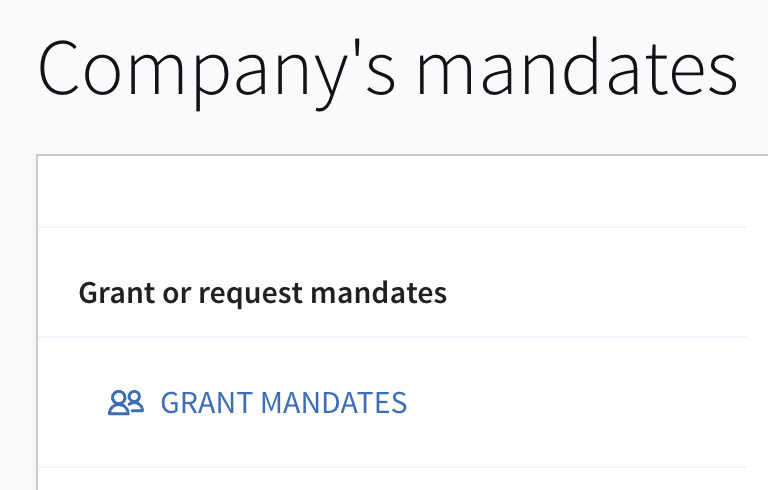
Go to Grant a mandates page.
-
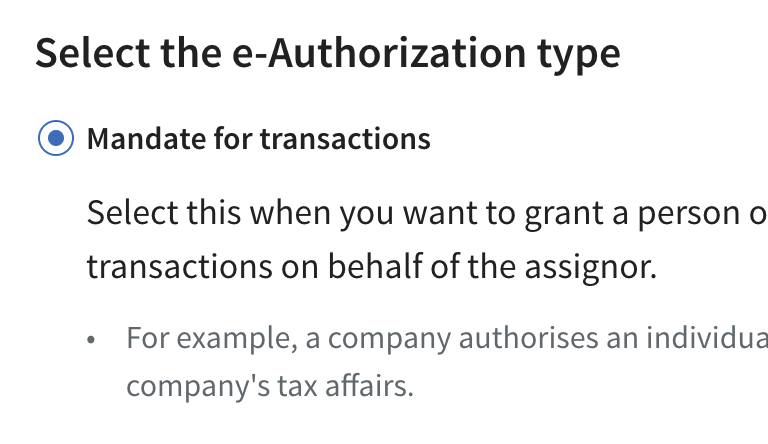
Select Mandate for transactions as e-Authorization type.
-
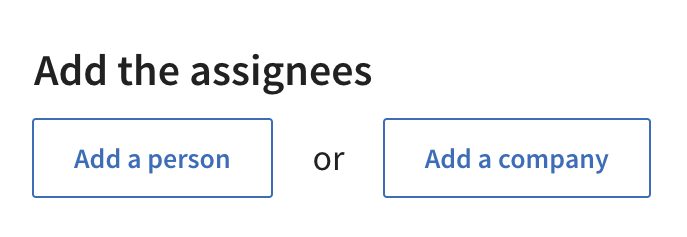
Press Add company.
-
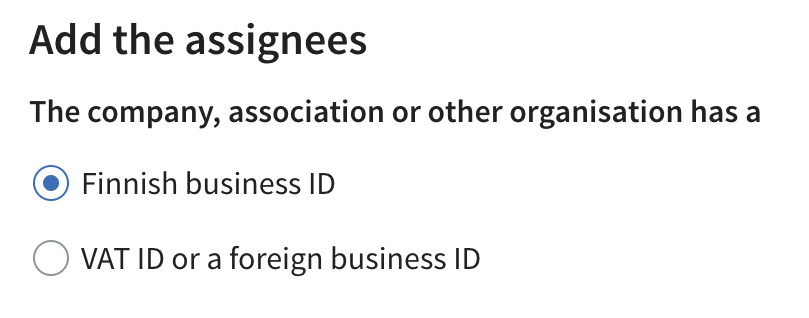
Select Finnish business ID.
-
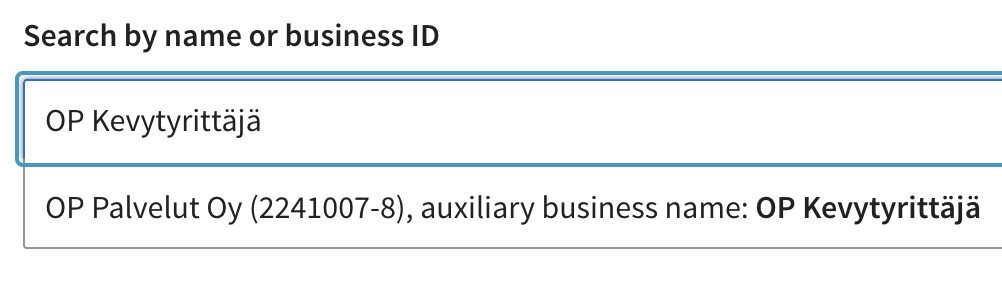
Find OP Kevytyrittäjä and select it.
-
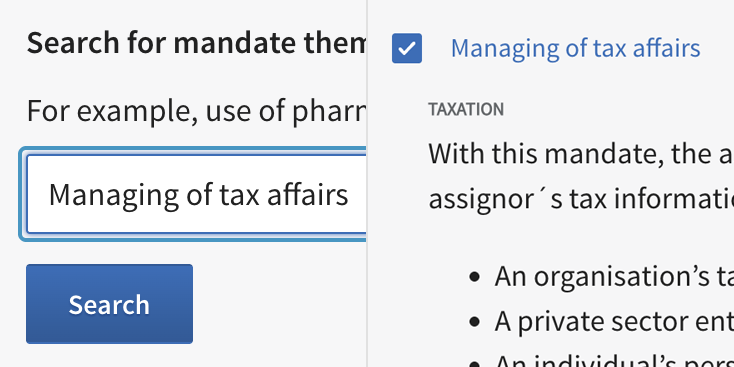
Find and select Managing of tax affairs.
-
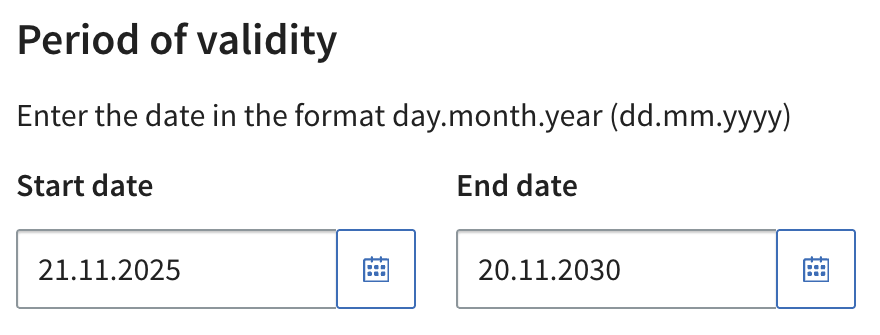
Set the validity period. Make sure the mandate is valid as long as you are using OP Light Entrepreneur service. Press Confirm, and the mandate is given.
The most common reasons if the Suomi.fi authorization does not appear in the service
- Suomi.fi mandate may have about an hours delay. You can start using OP Light Entrepreneur in about an hour after giving the mandate. If you need to get in quicker, contact our chat customer service.
- The mandate assignee was incorrectly typed. The correct assignor’s name is OP Palvelut Oy. You can also search the Business ID 2241007-8.
- The mandate is granted in the role of a private person. Verify that you granted the mandate while acting on behalf of your company.
- The mandate theme is "Filing of tax returns and other reports". The correct mandate theme is "Managing of tax affairs".
If you can't access mandate granting on the Suomi.fi website
If you cannot identify in the Suomi.fi service with your online bank user identifiers, the reason may be that guardianship, for example, prevents you from acting on your own behalf. In such a case, please contact our customer service.
Granting a mandate may not succeeded with some browsers or devices. Try changing browsers, if you cannot complete the granting of a mandate on Suomi.fi. If you used a computer, try using a phone or another computer instead.
If you need help using Suomi.fi, contact Suomi.fi’s customer service.
organisaatiopalvelut@dvv.fi
0295 53 5115
On weekdays 9.00–15.00